The one-day leak
A customer fills in your contact form at 9 pm. They want a price for forty units and a quick call. The form lands in a shared inbox. On a busy week, somebody gets to it the next afternoon.
By then the customer has filled in two other forms. One of those businesses replied the same evening with two times for a call. That business gets the job.
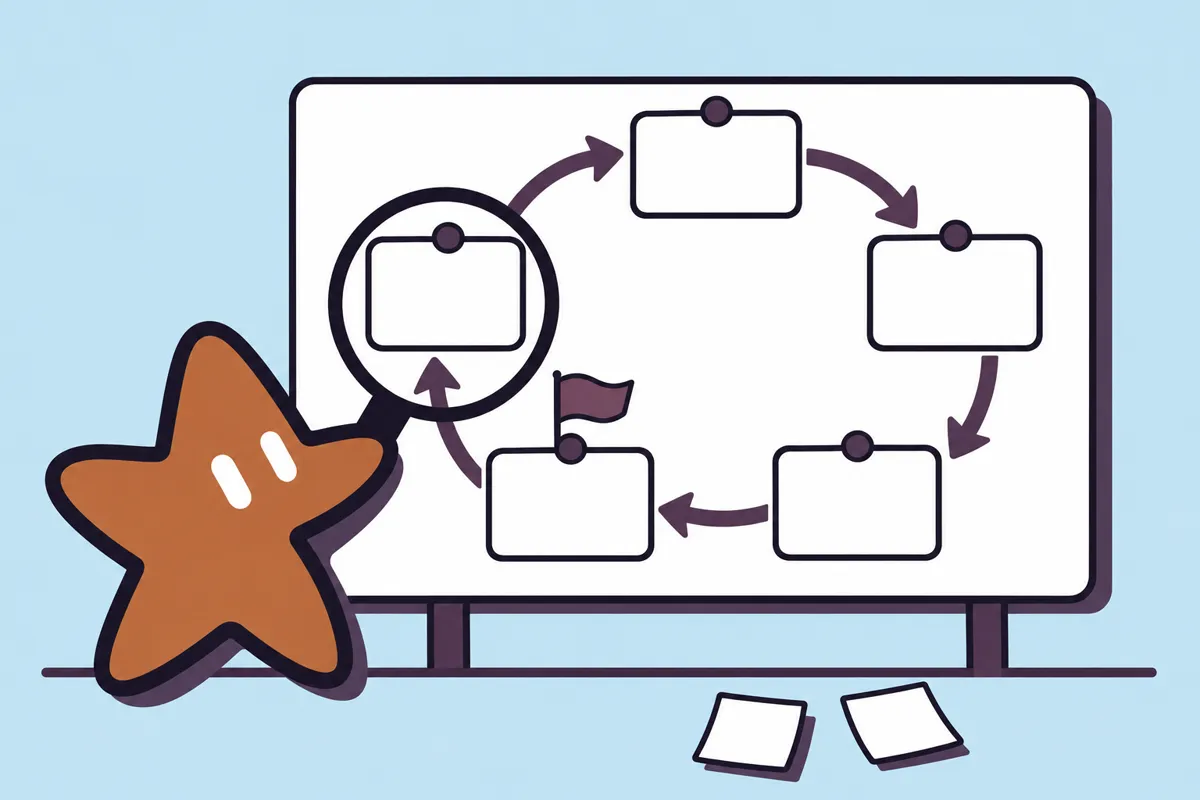
Nothing here is broken. The form works and the inbox works. The leak is the gap between them: a job that belongs to everyone, so it belongs to no one.
 Formcaptured
 CRMsaved, tagged
 ReplyAI drafts · you approve
 Callbooked
Step 1 · The form
Most forms ask too much. Every extra field loses a few people. We keep four: name, email, what they need, and when they are free. Everything else can wait for the call.
- Short fields, with plain labels
- A spam check that does not punish real people
- A clear line about what happens next:
We reply within one working hour.
The form sends its answers straight to the next step. Nobody copies anything by hand.
Step 2 · The CRM
The enquiry becomes a record in your CRM (customer relationship manager: the list of everyone you sell to). If the customer is already there, the new enquiry joins their old record instead of making a copy.
AI reads the free-text answer and adds tags: product, size of the order, how urgent it sounds. Tags are suggestions. You can change any of them, and the original words are kept beside them.

Step 3 · The drafted reply
This is where AI saves the most time. It reads the enquiry and the record, checks your calendar, and drafts a short reply with two real times for a call.
Then it stops. The draft waits on your phone with two buttons: Approve and send, or Edit. Approving takes about ten seconds. The customer gets a fast, human-checked answer.
Star's tip: if you edit the same thing three times, tell us. We change the draft rules, not you.
Step 4 · The booked call
When the customer picks a time, the call goes into your calendar with a video link, and both of you get a confirmation. The CRM record shows the booked call, so nobody books it twice.
The day before, the customer gets a short reminder. That reminder is a fixed template you approved once, so it can send on its own.
What we never automate
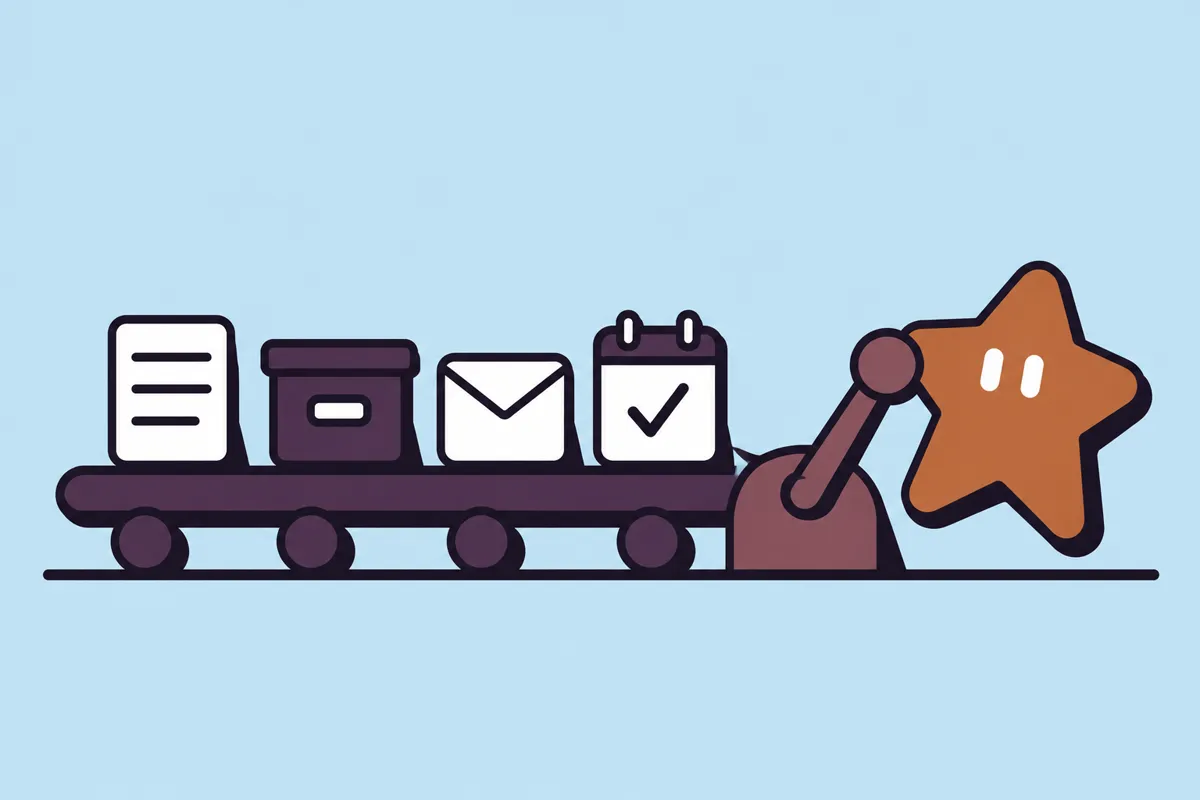
The rule is simple. If a message is new, personal or about money, a person approves it. If it is a fixed template you already approved, it can go on its own.
| Step | What AI does | What a person does | Goes out alone? |
|---|---|---|---|
| Form | Filters obvious spam | Sets the questions once | ✓ Yes |
| CRM | Matches the record, suggests tags | Fixes any wrong tag | ✓ Yes |
| Reply | Drafts it with real times | Approves or edits every draft | ◐ Never |
| Reminder | Fills in the time | Approves the template once | ✓ Yes |
How we check it
Before handover we send test enquiries through the whole flow: a normal one, a duplicate customer, a spam message and one written in Sinhala. Each result is written down in a sign-off.
Signed off · Enquiry flow v1.0
✓ Human-checked- Checked by
- Kenula Rathnayake, StarForge
- What was checked
- 12 test enquiries. All saved once in the CRM. All drafts waited for approval.
- What AI did
- Suggested tags and drafted replies. No message was sent without a person.
- Known limits
- Tags for very short enquiries are often blank. A person tags those.
After launch, we watch the flow for the first weeks. If a step fails, the enquiry falls back to the inbox, so nothing is lost. Support and monitoring is part of our advise-and-support service.
Where to start
Don't start with the AI. Start by counting: how many enquiries a week, and how long until the first reply? If the answer is "under an hour" already, you may not need this. We will tell you so.
If the gap is a day, the flow above usually closes it. Read more on automating workflows or connecting the software you already use.
Sources: StarForge build notes (sample). Figures in this sample are illustrations, not client results.